
If a Pinterest “video download” gives you a JPG or PNG, you have saved a still image. It might be the Pin’s cover, an image-only Pin, or the only media the downloader could retrieve. Renaming that file to .mp4 will not make it move.
Open the Pin itself
Start at the original Pin, rather than a board, search result, or screenshot. Does the Pin play a video when you open it? A play-style graphic printed into a picture is not evidence that a video file exists. Likewise, an image linking to another website may be a preview of content hosted elsewhere.
Pinterest distinguishes images from full-screen video Pins and lets creators control downloads for eligible videos. Its creator help explains video download settings. If a native download option is available, try that first. A Save button that adds a Pin to a board is not the same thing as saving a media file to your device.

Check the link you copied
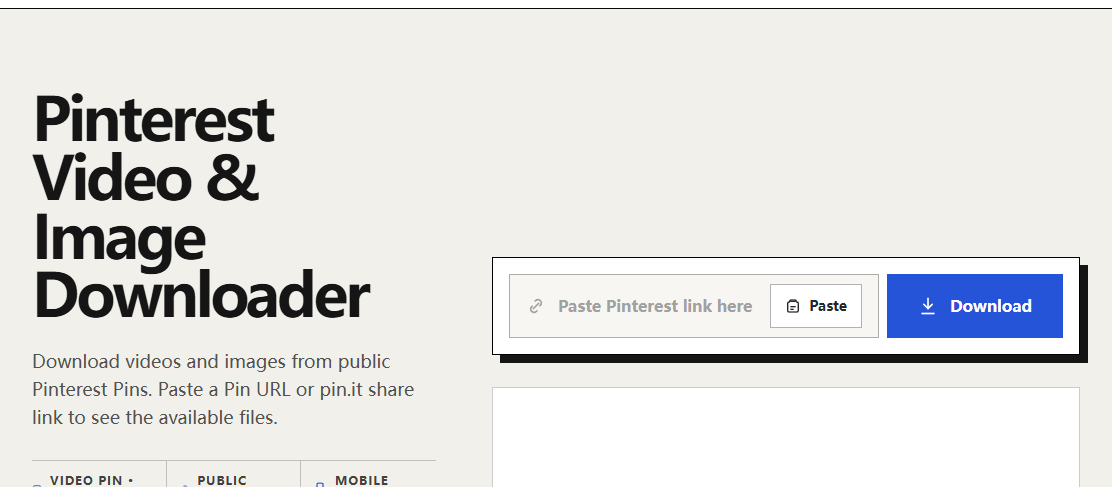
Use the Pin’s share link or the address of its own page. DLPanda’s Pinterest downloader accepts supported public Pin links, including supported short links. If a short link fails, open it in your browser, confirm that it reaches the intended Pin, and copy that page address.
Do not copy the address of the cover image through “Copy image address.” That identifies an image file, not the post that supplies the video context. A board URL is also too broad: it identifies a collection, not the specific item you want.
Inspect the result before saving
- Submit the Pin link and let the result load.
- Check whether there is a video option, an image option, or only a cover preview.
- Use the video’s download control when one is present. Saving the displayed thumbnail still saves a picture.
- Open the downloaded file in a video player and check its duration. A thumbnail in your downloads folder alone cannot confirm that the video was saved.
If DLPanda only returns an image, it has not provided a downloadable video for that request. The result might reflect the Pin type, source availability, or a retrieval limitation. It is better to make one fresh attempt with the confirmed Pin URL than to keep saving the same cover.
Separate a source problem from a save problem
- The original Pin does not play: confirm it is a video and still available before troubleshooting the downloader.
- The Pin plays, but no video option appears: copy a fresh direct Pin link and retry. If the result remains image-only, the video is not currently available through that result.
- A video option appears, but the file will not open: check for an incomplete transfer and try a fresh download link.
- The video plays without sound: compare it with the source after unmuting both players. A silent original has no sound for a downloader to recover.
When you only wanted the picture
For an image Pin, an image file is the correct output. Pinterest provides its own image-download instructions. Keep the image format intact and use the saved file, rather than a screenshot, if you want to avoid capturing the app interface.
If the Pin belongs to someone else and you need a version that is not offered, ask the creator for the file. A public preview does not guarantee access to the original video or permission to republish it.