If a Rednote download offers both an original image and a PNG option, choose based on what you need to do with the file. Keep the original available file for archiving. Use a PNG copy when an app has trouble opening the returned format. PNG does not automatically mean a sharper picture.
What “original” means in a download result
Here, the original option refers to the image returned by the source service. It is not a guarantee that you are receiving the camera file that existed before the creator uploaded it. The published version may already have been resized, compressed, cropped, or edited.
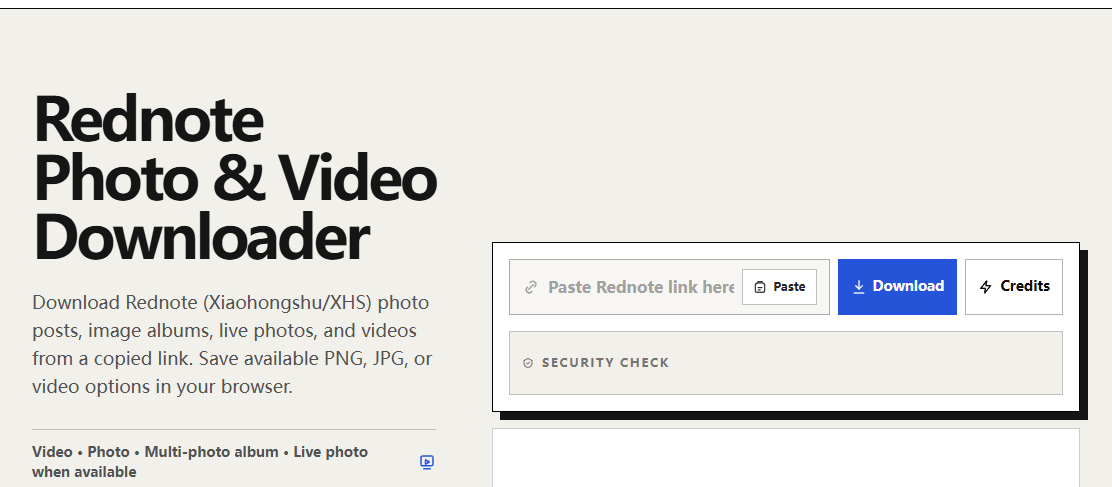
Start with the Rednote photo and video downloader. Rednote, Xiaohongshu, and Little Red Book refer to the platform covered by this tool. Copy the note’s full share link, keeping the parameters supplied by its share function rather than trimming the URL by hand.
Choose the file for your next step
- You want to keep an archive: save the original available image first and leave that copy unchanged.
- Your editor rejects the original: try the PNG option if the result provides one, then check that it opens correctly.
- You want a smaller attachment: compare actual file sizes. A PNG conversion can be larger, especially for photographic content.
- You want more detail: compare pixel dimensions and visual detail. A new format alone cannot restore information lost before download.
For example, a converted image with the same width and height has not gained resolution merely because its extension changed. A larger byte count can reflect how the format stores the same picture. Judge the result at the same zoom level and inspect fine details, such as lettering and edges.
Keep album order separate from format choice
A note may contain several images. Save the items you need one by one, then compare them against the source note. Choosing PNG for the first image does not convert or download the whole album.
If you need both versions of an item, use a folder structure that makes the relationship clear: put originals in one folder and converted copies in another, with matching sequence numbers. Avoid overwriting the original until you have checked the converted file’s appearance and compatibility.
What about live photos?
A still image and a motion component serve different purposes. If a result includes separate motion or video media, downloading the still alone will not preserve that movement. A PNG is a still-image format; it cannot become an iPhone Live Photo just by being renamed.
Inspect the choices actually returned for the note. DLPanda does not guarantee that every note provides a motion component or that separate files will automatically import into Photos as a paired Live Photo. Keep both components when available and relevant, but verify how your intended app handles them.
If the image does not open
- Check that the download finished and the file is not empty.
- Try the original image in a compatible viewer already on your device.
- If available, download the PNG copy and open it separately.
- If both fail, return to the full note link and generate a fresh result instead of reusing an old media URL.
If the note has become unavailable, request the image from its creator when appropriate. Changing formats is a compatibility step; it is not a method for accessing a restricted note or restoring a deleted source.