
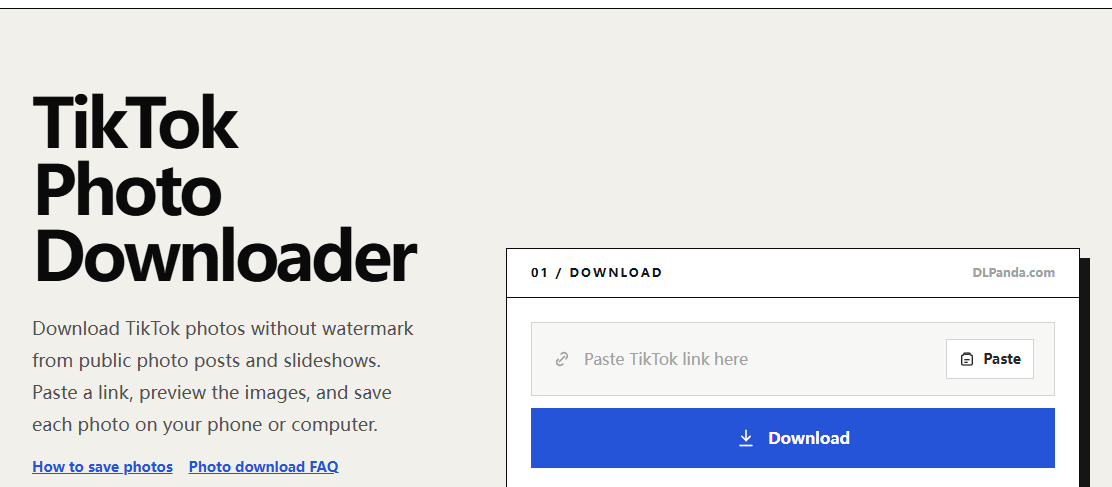
If a TikTok photo download finished in Safari but you cannot find it in Photos, check Files first. A browser download can be saved as a file without being added to your photo library. Downloading the same picture repeatedly may only create extra copies in the same folder.
Find out whether the download finished
Return to Safari and open its download list if the download control is available. Look for the filename you just saved and whether the transfer completed. An image still open in a browser tab is not necessarily a saved file; a preview and a completed download are different states.
In Files, browse to the download location configured for Safari. Depending on your settings, that may be in iCloud Drive or On My iPhone. Apple’s guide to finding downloaded files explains the Files and Safari download views.
Move a saved image into Photos
- Open the downloaded image in Files so you can confirm it is the correct picture.
- Open the share sheet and look for Save Image or the equivalent image-saving action available on your device.
- Open Photos and check for the saved image. A library sorted by the image’s embedded date may place it somewhere other than the date you downloaded it.
- If the action is missing, check that the file really opens as an image and that the download is complete.
The available share actions vary with the file type and iOS version. This guide does not assume that every format exposes the same action. Keep the copy in Files until you have confirmed that the photo library contains the image you need.
When the image opens in a new tab
After you submit a public post to the TikTok photo downloader, use the numbered image link. If Safari opens the full image, use its image-saving or sharing controls. Long-pressing the page background or a small preview may present a different menu from pressing the actual image.
For a slideshow, repeat this for each photo you want. A link that opens one image does not save the rest of the carousel. Check the image itself between saves, particularly when several slides have similar colors or text.
If there is no file in either app
- The download list shows a failure: return to the original post link and generate a fresh result. Media links can expire.
- You are inside TikTok’s browser: open DLPanda in Safari and paste the post link there. An embedded browser may expose fewer save controls.
- The file is empty or cannot be opened: treat it as an incomplete or unsuccessful transfer, not a Photos indexing problem.
- Only one picture is missing: compare the saved files with the post’s slide order before starting again.
Keep the original until you are done
A practical check is to open the image from Files, then open the copy from Photos and compare them. Confirm that the crop and resolution are what you expected. You can remove accidental duplicates later, once you know which file is the complete image.
For your own posts, keeping the source photo before uploading is more reliable than recovering it later from a social platform. This article covers locating and saving a browser download; it does not claim a successful test on every iPhone or iOS release.